Your homelab, on your Mac.
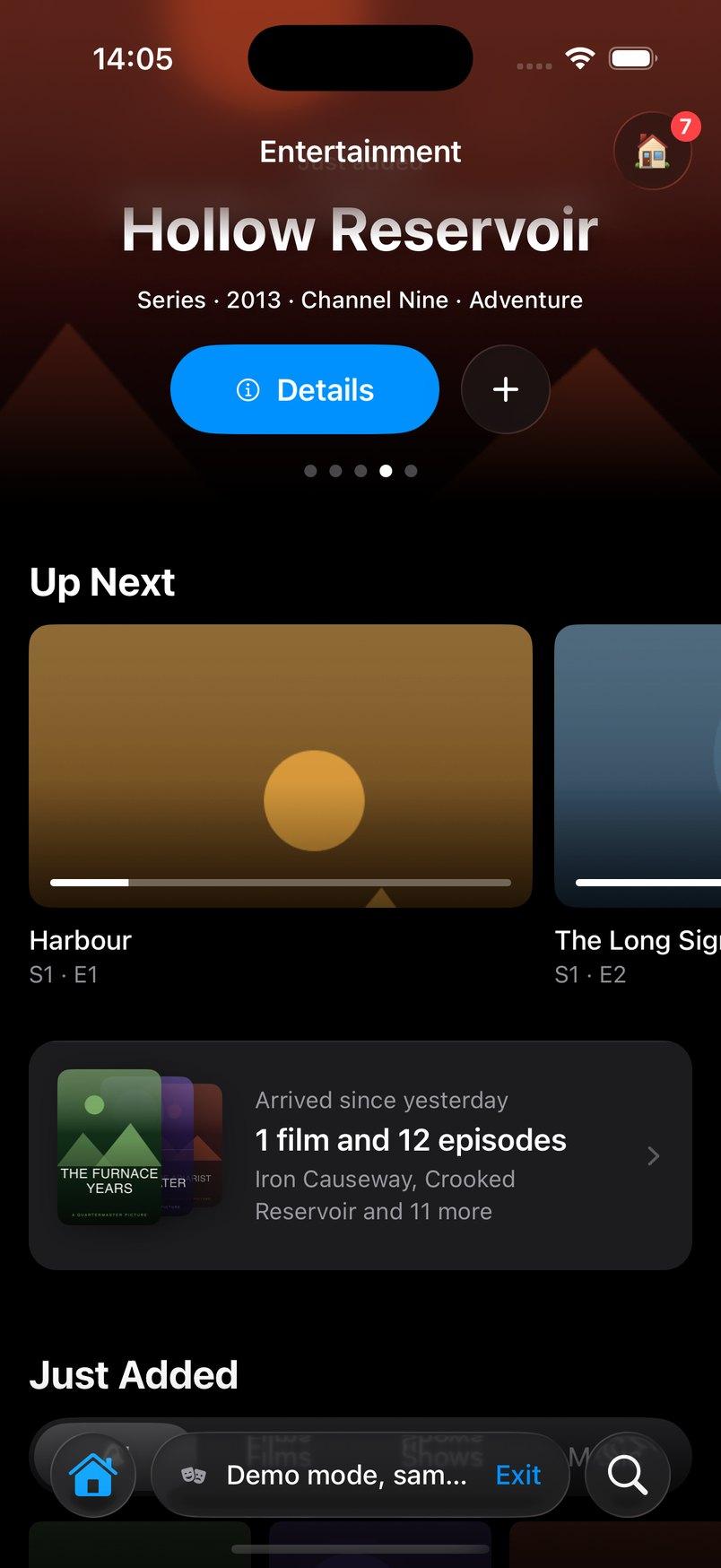
Quartermaster runs on Mac as well as iPhone and iPad, with the same connections on each. Set a service up once and it is there on the Mac too.
Download on the App StoreFree for one service
64 services it connects to.
Each one says how far the app goes with it: Manage changes things, Status shows it live, Monitor is read-only by design.
 Radarr Managebrowse, search, add, edit, monitor
 Sonarr Managebrowse, search, add, edit, monitor
 Lidarr Statusconnect + live status
 SABnzbd Managefull queue + history
 NZBGet Statuslive status
 qBittorrent Statuslive status
 Transmission Managequeue, add, pause, remove
 Deluge Managequeue, add, pause, remove
 Prowlarr Statusconnect + live status
 Bazarr Managewanted list + grab subtitles
 NZBHydra2 Statussearch + live status
 Jackett Managesearch every tracker, add indexers + grab
 Jellyseerr / Overseerr Manageapprove, manage and track
 DroppedNeedle Managerequest & track music
 Shelfmark Managerequest, approve & track books
 Plex Statusnow playing, continue watching + libraries
 Jellyfin Statusnow playing, continue watching + recently added
 Emby Statusnow playing, continue watching + recently added
 Wizarr Managecreate invites, see members
 Tautulli Managenow playing, history, terminate
 Tracearr Managelive streams, history, insights + terminate
 Jellystat MonitorJellyfin watch analytics (read-only)
 Streamystats MonitorJellyfin watch analytics (read-only)
 Komga Statusbrowse comics & manga
 Kavita Statusbrowse comics & ebooks
 Immich Statusphotos, jobs & storage
 AudioBookshelf Statusbrowse + listening progress
 Maintainerr Statuswhat's leaving soon, per collection
 Portainer Managelive stats + start/stop/restart
 Unraid Statusarray, disks & Docker
 Proxmox VE StatusVMs, containers & nodes
 Synology ManageContainer Manager: start, stop, restart + logs
 Dozzle Monitorlive container logs (read-only)
 Dockhand Managecontainers & Compose: start, stop, restart
 Komodo Manageservers, stacks & deploys: restart, redeploy
 AdGuard Home Manageblocking stats + pause
 Pi-hole Manageblocking stats + pause
 Cloudflare Managetunnels, security & analytics
 CrowdSec Monitoralerts, decisions & live bans
 Technitium Statusblocking stats (read-only)
 UniFi StatusAPs, clients & throughput
 Gluetun Statustunnel status + exit country
 Glances MonitorCPU, memory, disks, temps
 Scrutiny MonitorSMART attributes (read-only)
 TrueNAS Statuspools, disks, datasets & alerts
 Beszel Monitorper-host CPU, memory & disk
 Home Assistant Manageentities, scenes & scripts
 Tdarr Monitortranscode queue (read-only)
 qui Managemulti-instance queues: pause, resume, remove
 Coolify Manageapps & deploys: restart, redeploy
 BookOrbit Statusbrowse books & audiobooks
 Dispatcharr StatusIPTV channels & live streams
 ReadMeABook Statusaudiobook requests
 Shelfarr Statusbook & audiobook requests
 Arcane ManageDocker containers & stacks: start, stop, restart
 Control D Statusfiltering & block stats
 NextDNS Statusfiltering & block stats
 UGREEN NAS Statusdrives, temperatures & network
 SSH Managea full terminal on your host
 Pulsarr Manageapprove watchlist requests + rolling shows
 Grimmory Statuslibrary, shelves + read status
 Grafana Monitorbrowse dashboards + the full web app
 Uptime Kuma Monitormonitors, response times + certificates
 PeaNUT MonitorUPS status, battery + load
Questions.
- Is there a Mac app for managing a homelab?
- Yes. Quartermaster is a native app for iPhone, iPad and Mac that connects to Radarr, Sonarr, Lidarr, SABnzbd, NZBGet, qBittorrent and 58 more.
- Which services does it work with?
- 64 of them, each listed on this page with what the app does with it.
- Is it free?
- Free connects one service, fully. Pro connects the rest of your stack: 64 services in all.
- Do I need to make an account?
- No. There is no Quartermaster account. Your addresses and keys are kept in the iOS Keychain on your device, and the app talks to your services directly.
- How does it connect?
- Straight to your server, at the address you give it. Nothing of ours sits in between unless you switch it on.