 Manage
Pi-hole on your iPhone.
Quartermaster is a native app for iPhone, iPad and Mac that connects to your Pi-hole, and to 63 other things you host yourself. No account to make.
Download on the App StoreFree for one service
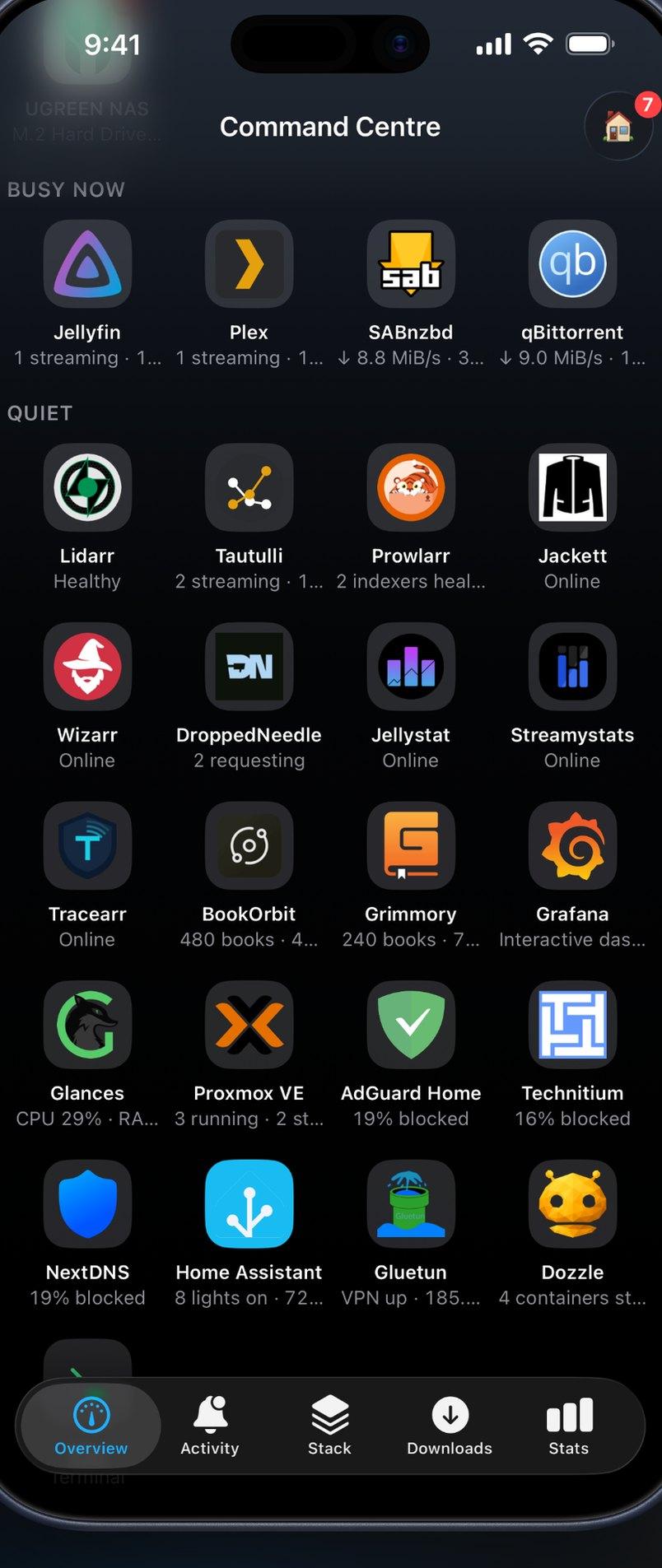
What it does with Pi-hole.
DNS. In the app: blocking stats + pause.
This is a full connection: the app changes things on your Pi-hole, it doesn't only report on them.
- Set up in a minute
- Open the app, add Pi-hole and give it the address and the details it asks for. They stay in the iOS Keychain on your device.
- Straight to your server
- The app talks to Pi-hole directly. Nothing of ours sits in between unless you switch it on.
- Free for one service
- Free connects one service, fully. Pro connects the rest, and the prices are on the terms page.








Pi-hole on iPhone, iPad and Mac: questions.
- Is there an iPhone app for Pi-hole?
- Yes. Quartermaster is a native app for iPhone, iPad and Mac that connects to your Pi-hole. In the app: blocking stats + pause.
- What can I do with Pi-hole in Quartermaster?
- Blocking stats + pause. This is a full connection: the app changes things on your Pi-hole, it doesn't only report on them.
- Is it free to use with Pi-hole?
- Free connects one service, fully, so Pi-hole on its own costs nothing. Pro connects the rest of your stack: 64 services in all.
- Do I need to make an account?
- No. There is no Quartermaster account. Your addresses and keys are kept in the iOS Keychain on your device, and the app talks to your services directly.
Also part of: A homelab app for your iPhone, Your DNS, on your iPhone, Your network, on your iPhone
Get Quartermaster.
Pi-hole and the rest of your stack in one app, on iPhone, iPad and Mac.