





Server monitoring, on your iPhone.
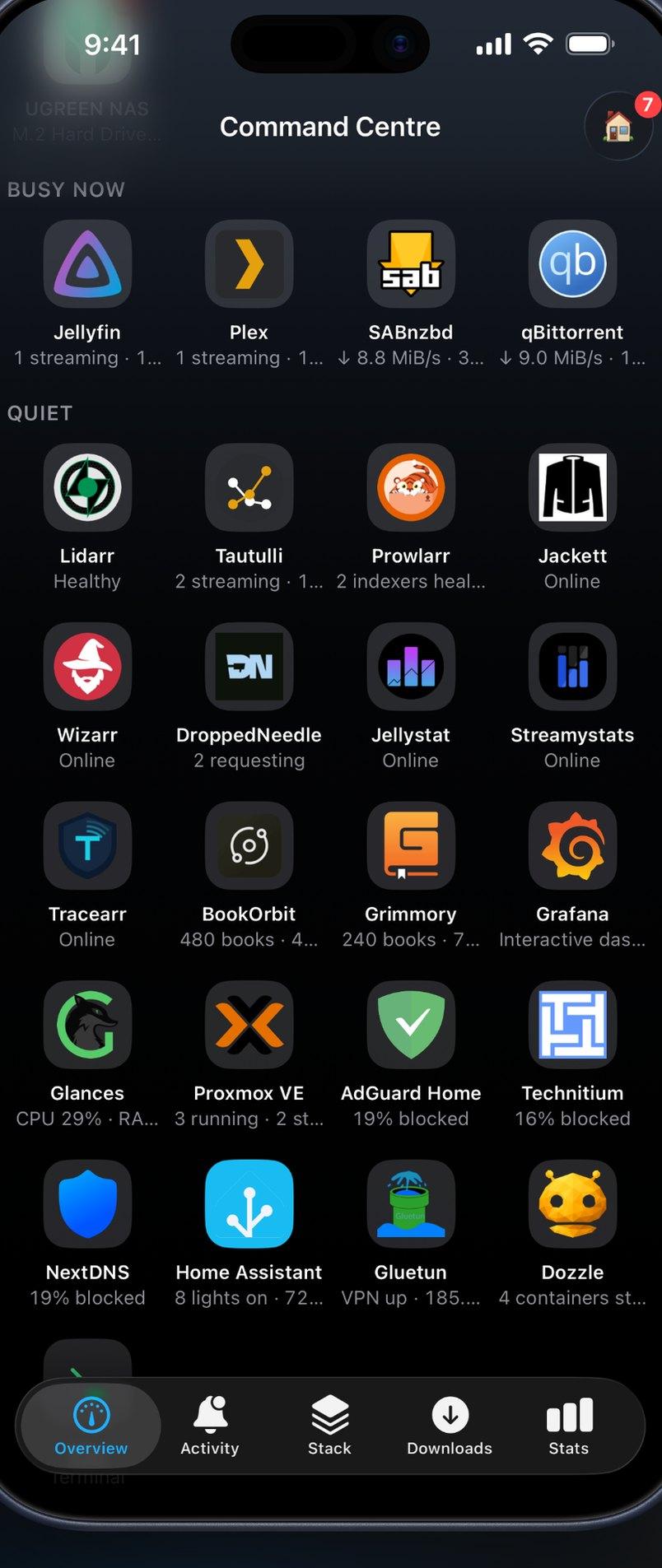
The monitors you already run, read from one native app: load, disks, uptime, dashboards and the UPS.
Download on the App StoreFree for one service
6 monitoring tools it connects to.
Each one says how far the app goes with it: Manage changes things, Status shows it live, Monitor is read-only by design.


Questions.
- Is there an iOS app for monitoring a home server?
- Yes. Quartermaster is a native app for iPhone, iPad and Mac that connects to Glances, Beszel, Scrutiny, Uptime Kuma, Grafana and PeaNUT.
- Which monitoring tools does it work with?
- Glances (CPU, memory, disks, temps); Beszel (per-host CPU, memory & disk); Scrutiny (SMART attributes (read-only)); Uptime Kuma (monitors, response times + certificates); Grafana (browse dashboards + the full web app); PeaNUT (UPS status, battery + load).
- Is it free?
- Free connects one service, fully. Pro connects the rest of your stack: 64 services in all.
- Do I need to make an account?
- No. There is no Quartermaster account. Your addresses and keys are kept in the iOS Keychain on your device, and the app talks to your services directly.
- How does it connect?
- Straight to your server, at the address you give it. Nothing of ours sits in between unless you switch it on.