


Your media server, on your iPhone.
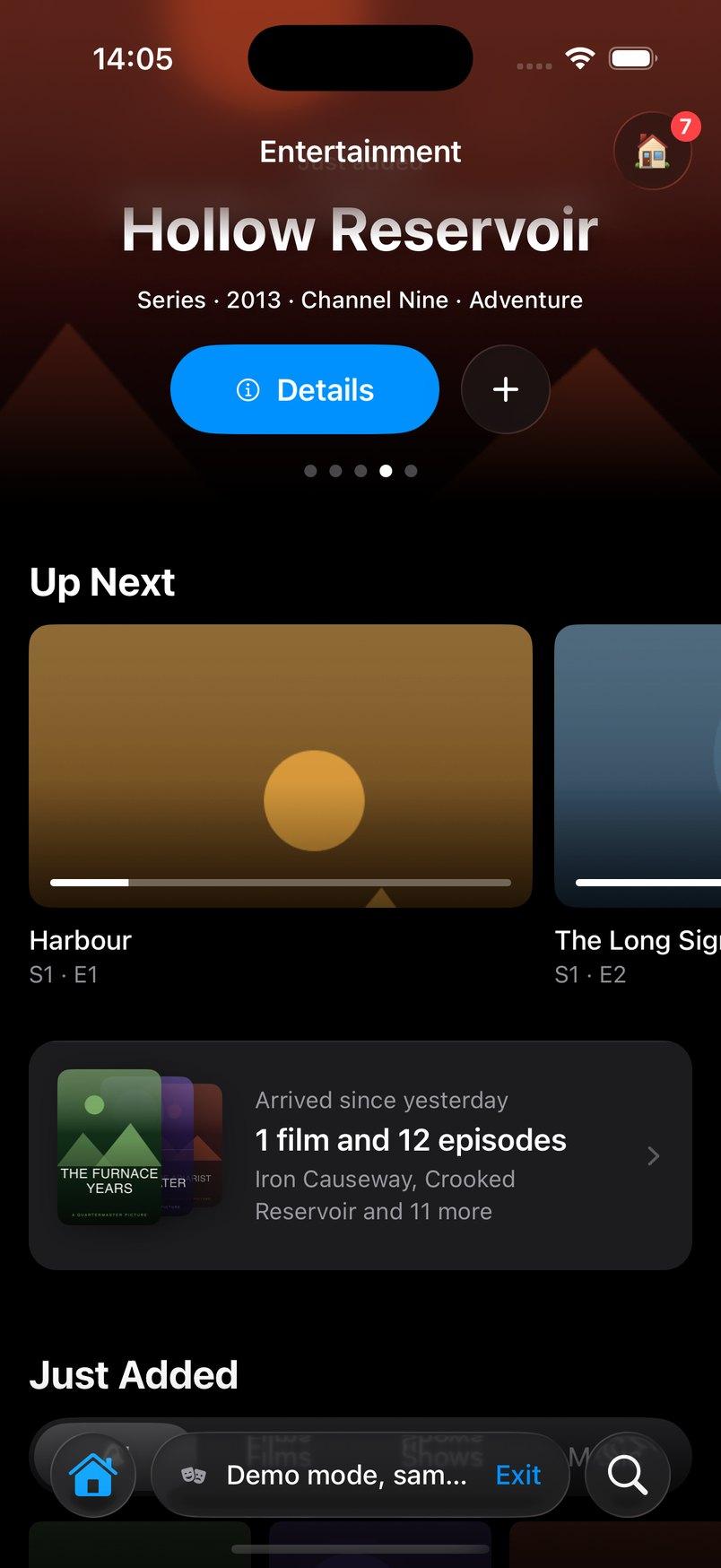
See what your Plex, Jellyfin or Emby server is doing, and who is watching, from the same app that runs the rest of your stack.
Download on the App StoreFree for one service
8 media server tools it connects to.
Each one says how far the app goes with it: Manage changes things, Status shows it live, Monitor is read-only by design.
 Plex Statusnow playing, continue watching + libraries
 Jellyfin Statusnow playing, continue watching + recently added
 Emby Statusnow playing, continue watching + recently added
 Dispatcharr StatusIPTV channels & live streams
 Tautulli Managenow playing, history, terminate
 Tracearr Managelive streams, history, insights + terminate
 Jellystat MonitorJellyfin watch analytics (read-only)
 Streamystats MonitorJellyfin watch analytics (read-only)
Questions.
- Is there an iOS app for monitoring Plex, Jellyfin and Emby?
- Yes. Quartermaster is a native app for iPhone, iPad and Mac that connects to Plex, Jellyfin, Emby, Dispatcharr, Tautulli, Tracearr and 2 more.
- Which media server tools does it work with?
- Plex (now playing, continue watching + libraries); Jellyfin (now playing, continue watching + recently added); Emby (now playing, continue watching + recently added); Dispatcharr (IPTV channels & live streams); Tautulli (now playing, history, terminate); Tracearr (live streams, history, insights + terminate); Jellystat (Jellyfin watch analytics (read-only)); Streamystats (Jellyfin watch analytics (read-only)).
- Is it free?
- Free connects one service, fully. Pro connects the rest of your stack: 64 services in all.
- Do I need to make an account?
- No. There is no Quartermaster account. Your addresses and keys are kept in the iOS Keychain on your device, and the app talks to your services directly.
- How does it connect?
- Straight to your server, at the address you give it. Nothing of ours sits in between unless you switch it on.